Skip to content
Home
Our Story
Features
What’s New
Core Features
User Guide
FAQ
Pricing
More
Disuse Syndrome
Elderly Care Options
Home Care
Considering a Residential Care Home
Blog
Home
Our Story
Features
What’s New
Core Features
User Guide
FAQ
Pricing
More
Disuse Syndrome
Elderly Care Options
Home Care
Considering a Residential Care Home
Blog
AngelCare App
User Guide
AngelCare App
User Guide
Step 1:Download the App
Step 2:Register an account
Helpers/other family
After registration,
wait
the employer can invite them to join the team
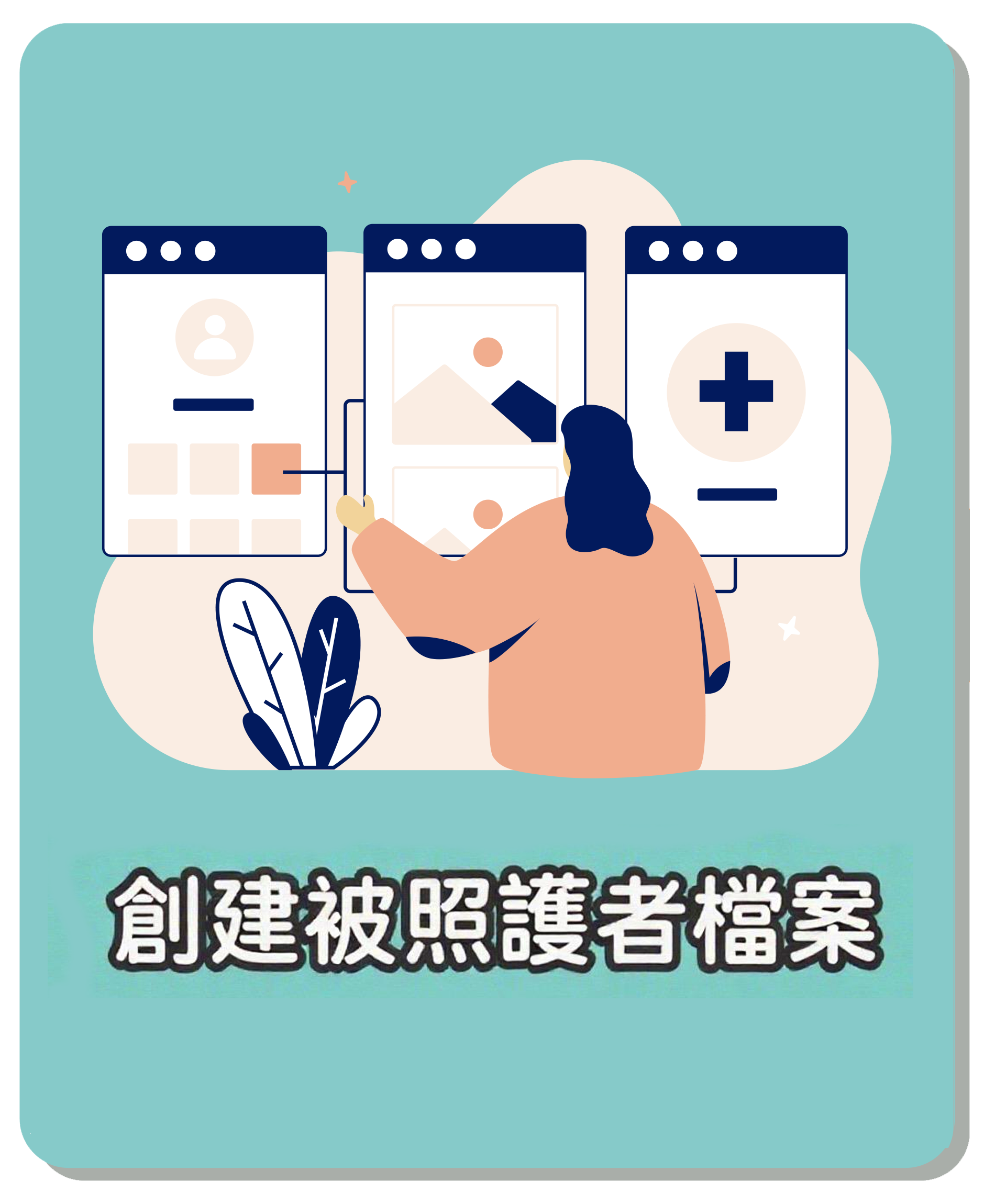
Step 3:Create a care recipient profile(For employers)
Employer
Go to the Setup List to create a care recipient profile
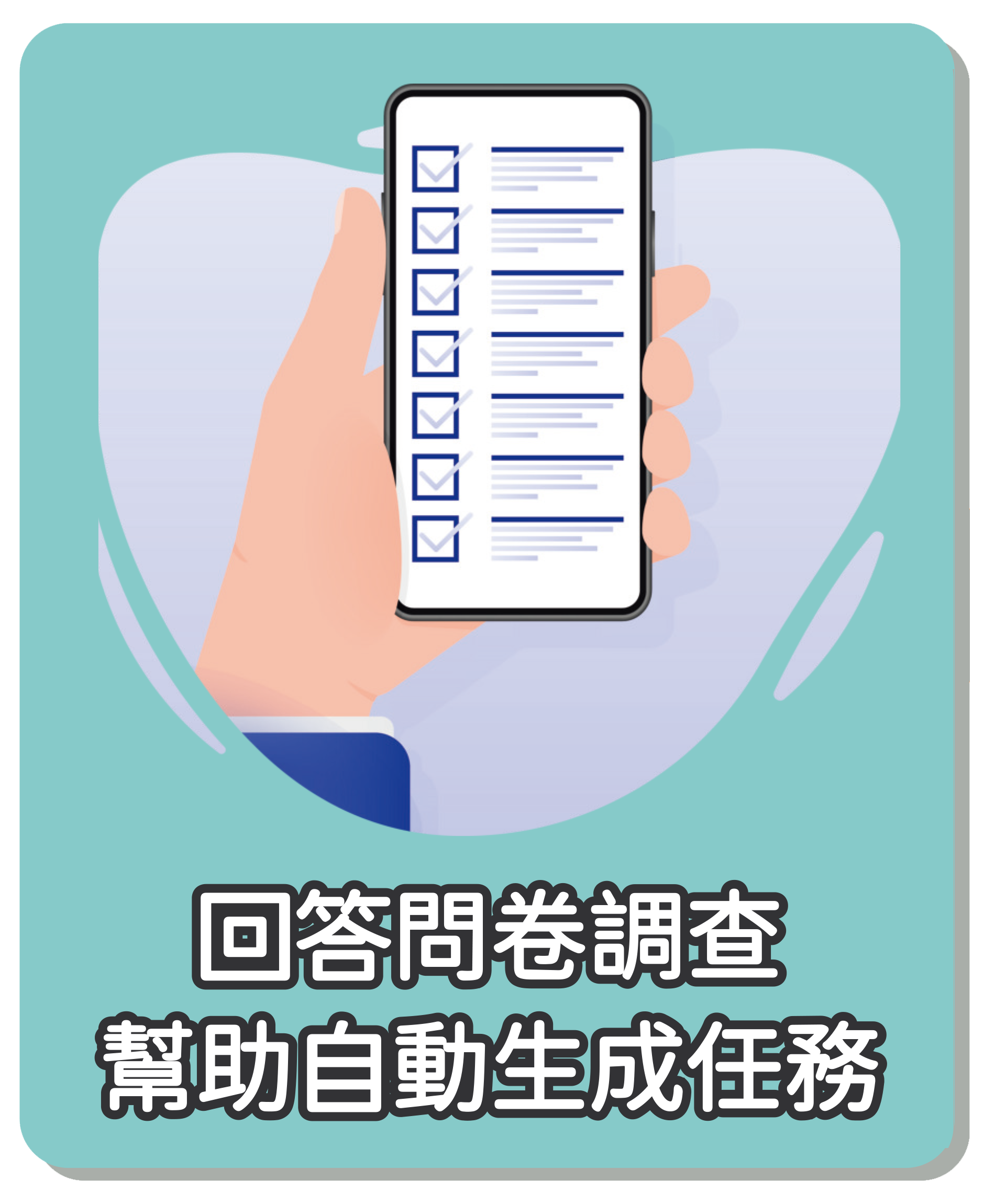
Step 4: Complete the questionnaire (employer only)
Employer answers the care recipient's medical care questionnaire (covering diet, medication, rehab, etc.)
The system auto-generates daily tasks based on the answers, mainly executed by the helper.
Step 5: Add medications (employer only)
After entering the home screen, the employer adds common medications to build the medication profile
Step 6: Invite the helper and other family members into the care team (employer only)
Want to know about AngelCare in-home services? See
Pricing
page.